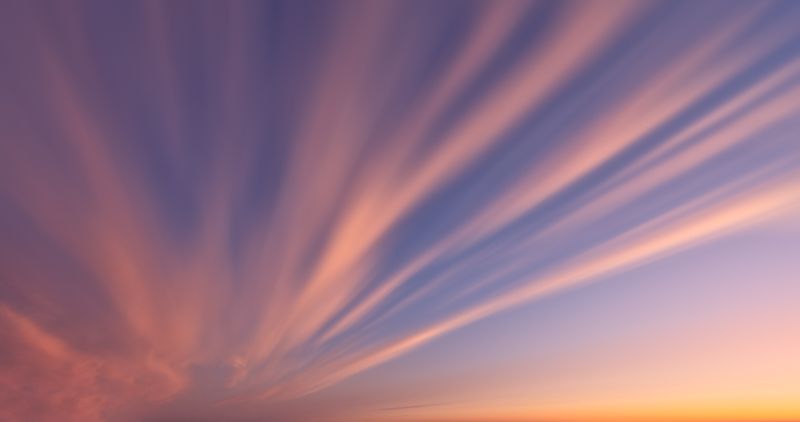
Free Skies For Your Photos You'll Want To Keep
Discover a collection of 10 breathtaking sky replacement assets for any photo.
Learn more about pack

Discover 10 presets
Discover 10 presets designed to express the range of emotions we experience throughout the day. Here, you'll find the perfect look for any photo—daytime colors or evening hues, low contrast or high contrast. The results will always be pleasing to the eye.

Bring your photos to a bright summer
Infuse your photos with a timeless summer vibe using our preset pack. Each preset is crafted to add a unique glowing atmosphere, allowing you to experiment and find the perfect look that complements your style. Warm and soft or dark and moody – the choice is yours.
You'll find 10 Skies in this Pack

Sky Starter Pack
10 free sky assets by SkyReplacementPack.com
Make your portraits, landscapes, and street photos look like covers from stylish magazines.

Compatible with


Want more skies?
Upgrade to download the full pack today!
You'll receive 10 sky packs containing over 1000 portfolio quality skies!
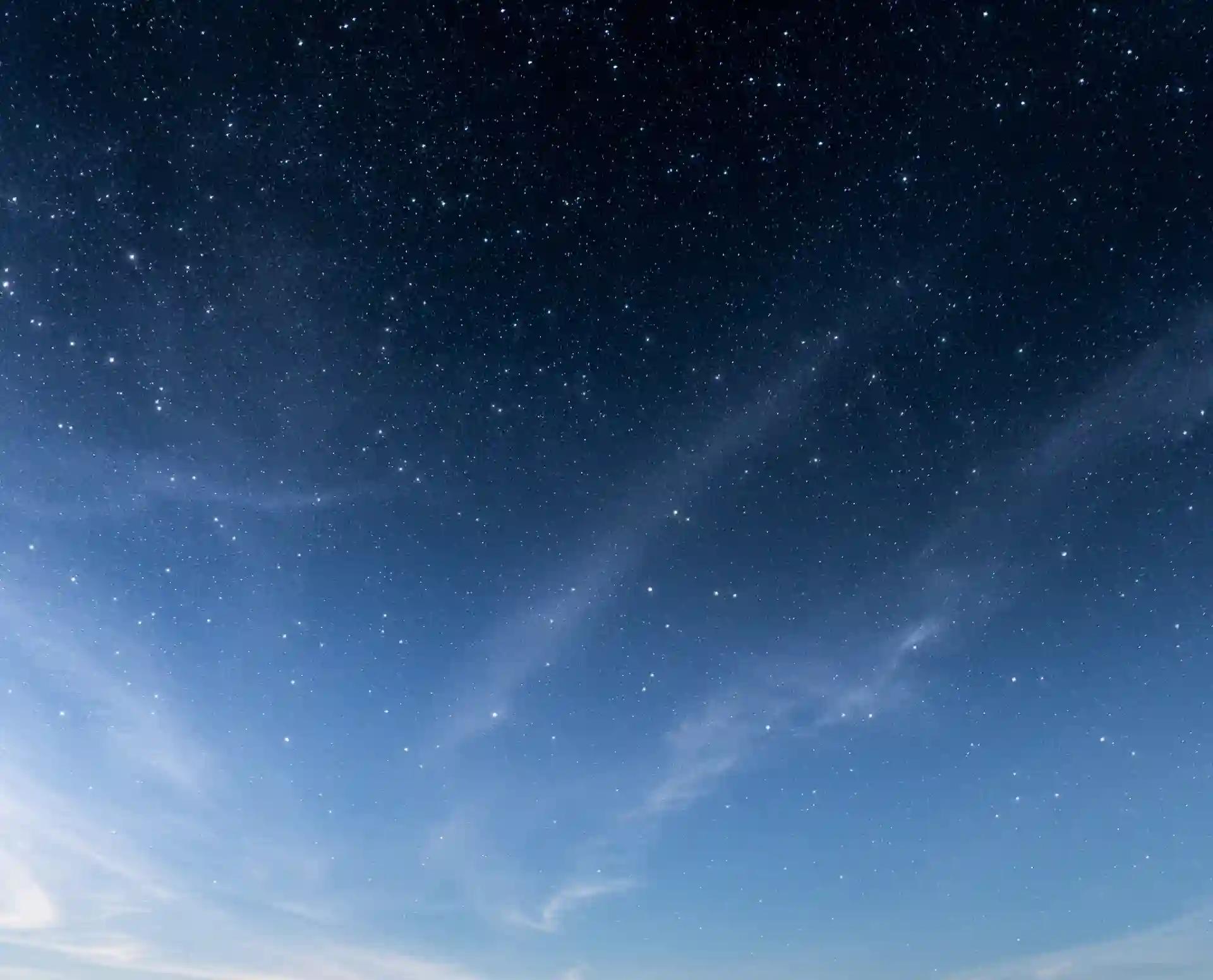
Get all 1000+ skies. Pay once. Enjoy forever.
Enjoy a lifetime, royalty-free licence to use this image library in your projects.


JPEG
- Ideal for hobbyists and amateurs
- Quick download
- Lifetime royalty-free usage
- Compatible with Photoshop
- Compatible with Luminar
TIFF
Best for Photoshop- Highest quality available
- Raw image format
- Professional grade imagery
- Suitable for advanced editing
- Lifetime royalty-free usage
- Compatible with Photoshop
FAQ
Sky Replacement is found only in Luminar versions 4.2 and beyond, or in Luminar AI.
Only Photoshop 2021 and beyond supports Sky Replacement. The feature is found by selecting Edit > Sky Replacement from the menu.
Once payment has been approved, you will receive a secure link to download your sky replacement pack. Please note that you are purchasing a digital download - no physical product will arrive.
We split this sky replacement into multiple files to download, though these can still be up to 45 GB per file. We do promise the highest quality after all! Please check you have the fastest and most stable download speed possible and download each pack individually. In case of timeouts or connection errors, you are allowed three attempts to download each file. If you are experiencing problems, just contact us and we'll be happy to assist. We use Amazon S3 for file delivery ensuring stable downloads and the highest possible transfer rate.
Your sky replacement pack will arrive as a large ZIP file containing all of the high resolution skies in the image format you selected. These can then be used with the automatic sky replacement function of Skylum Luminar 4 or Adobe Photoshop. You can also replace your skies manually using Adobe Photoshop Elements, Corel PaintShop Pro or Capture One Pro. However, for the quickest and best results we only recommend these for use with Skylum Luminar 4 or Adobe Photoshop.
Check out these official sky replacement guides:
For Photoshop: https://helpx.adobe.com/photoshop/using/replace-sky.html
For Luminar: https://manual.skylum.com/ai/en/topic/sky-ai-tool
Click the 'Preview' button next to each pack, or select a pack from the menu at the top of this page, to view low resolution versions of every image in the pack.
The images were captured on a variety of full frame Nikon cameras, including the D800, D810, D850 and Z7. We then crop or clone out any undesirable objects from our images - such as buildings, trees or birds. The vast majority of our images are therefore between 30MP and 45MP resolution.
We provide files exported in sRGB color profile.
Yes! You have a lifetime, royalty-free licence to use the skies as a component in your personal and professional photography work. All we ask is that you may not resell or redistribute our skies to third parties, on their own or as part of another package.
No! Like any other Photoshop actions or brushes that you purchase to enhance your work, these are simply tools of the trade. Of course, if you like our product we'd love you to recommend it to others.
First, please check these FAQs above - many frequent questions are already answered.
Please also make sure your Adobe Creative Cloud and/or Skylum Luminar is up to date. This is the root cause of almost all the technical queries we receive.
The help pages in the menu give you specific guidance on how to use these skies with Photoshop or Luminar.
If you encounter any technical issues that these FAQs cannot answer, please email us and we'll be happy to help.